Self-Service Opening Hours
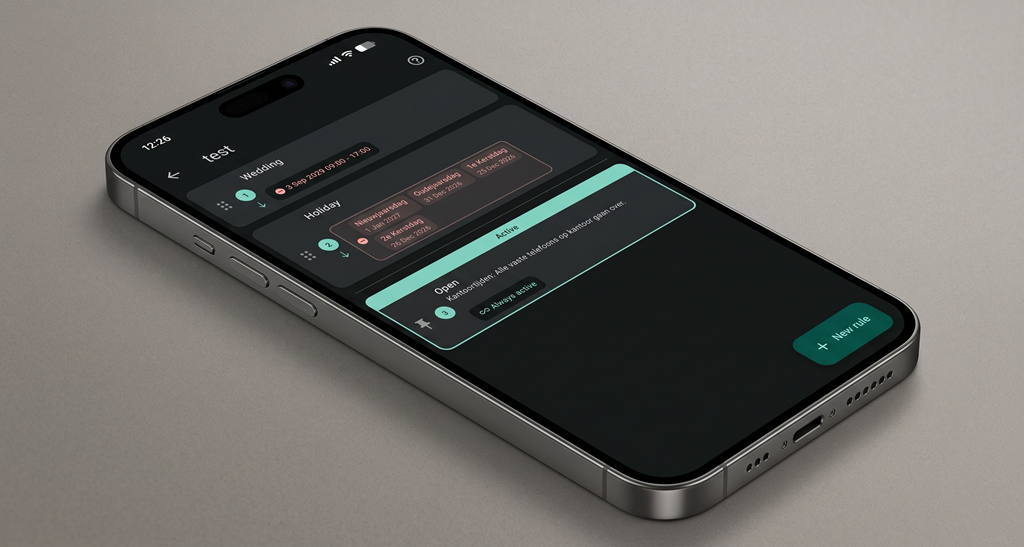
Changing the opening hours used to mean a call to the helpdesk. Now your customer does it themselves, from the Workphone app, in under a minute. Each rule pairs a time — a range, weekdays, months, a holiday — with a behavior like Open, Closed or Break – lunch, and the first rule that matches wins.
For Your Customers
- It Shows What's Active, and Why – The rule in force right now is highlighted live, and on rules that didn't match, the condition that rejected them turns red. No guessing, and no phone call to find out what's going on.
- Holidays, Ticked Not Typed – Pick from the holiday sets you maintain centrally. Christmas gets ticked once instead of re-entered every year.
- One-Off Closures – A training afternoon, a move, an unexpected closure. Set it once and it cleans itself up afterwards.
- A Built-In Tutorial – Four steps behind the help icon teach the whole thing in about a minute, so nobody needs training to make a change.
For You
- Fewer Support Calls – The most routine request a helpdesk gets — can you change our hours? — stops arriving.
- You Decide Who Can – Opening hours only appear for users you've given the schedule permissions. Self-service is something you grant, not something that happens to you.
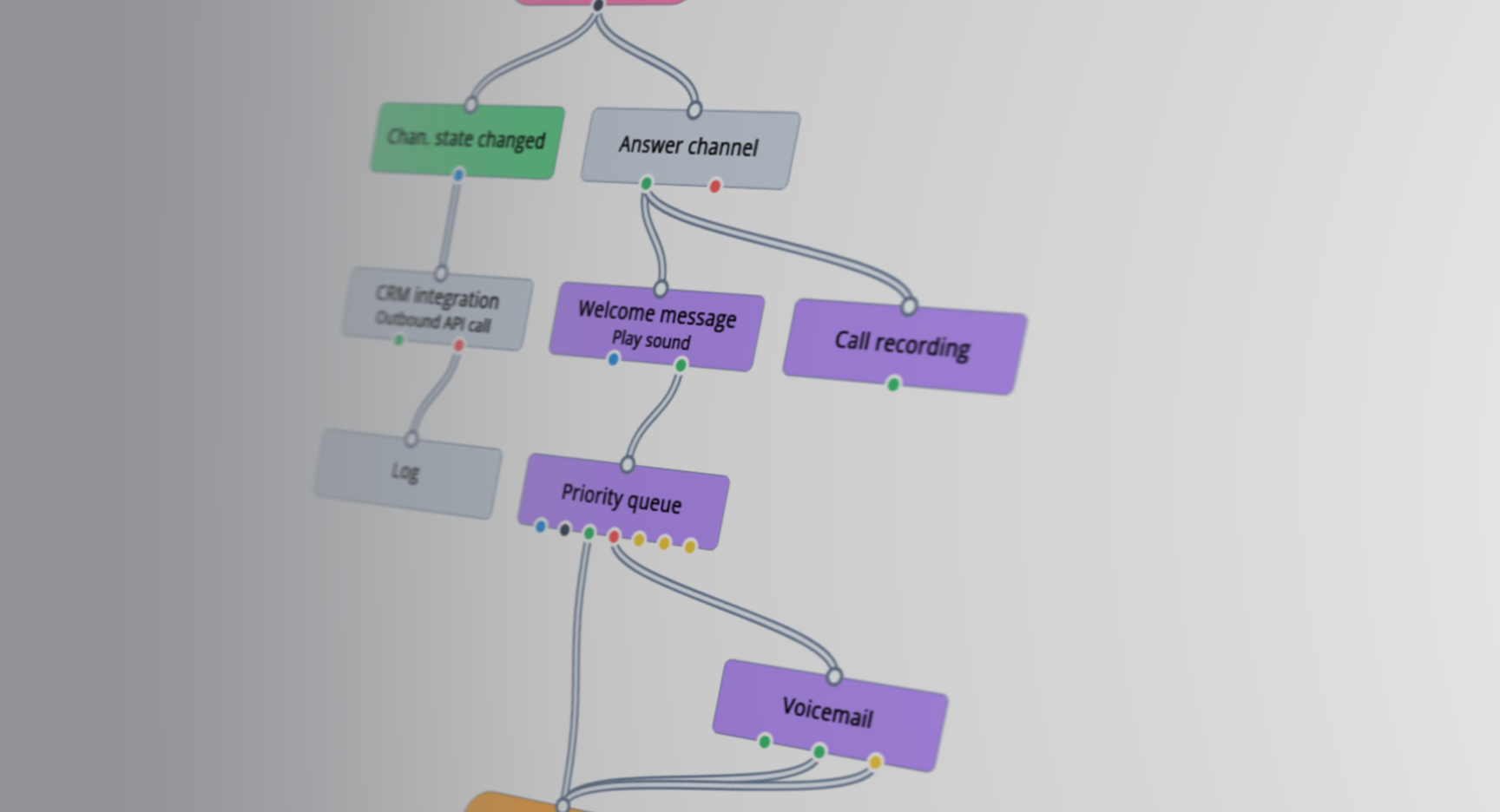
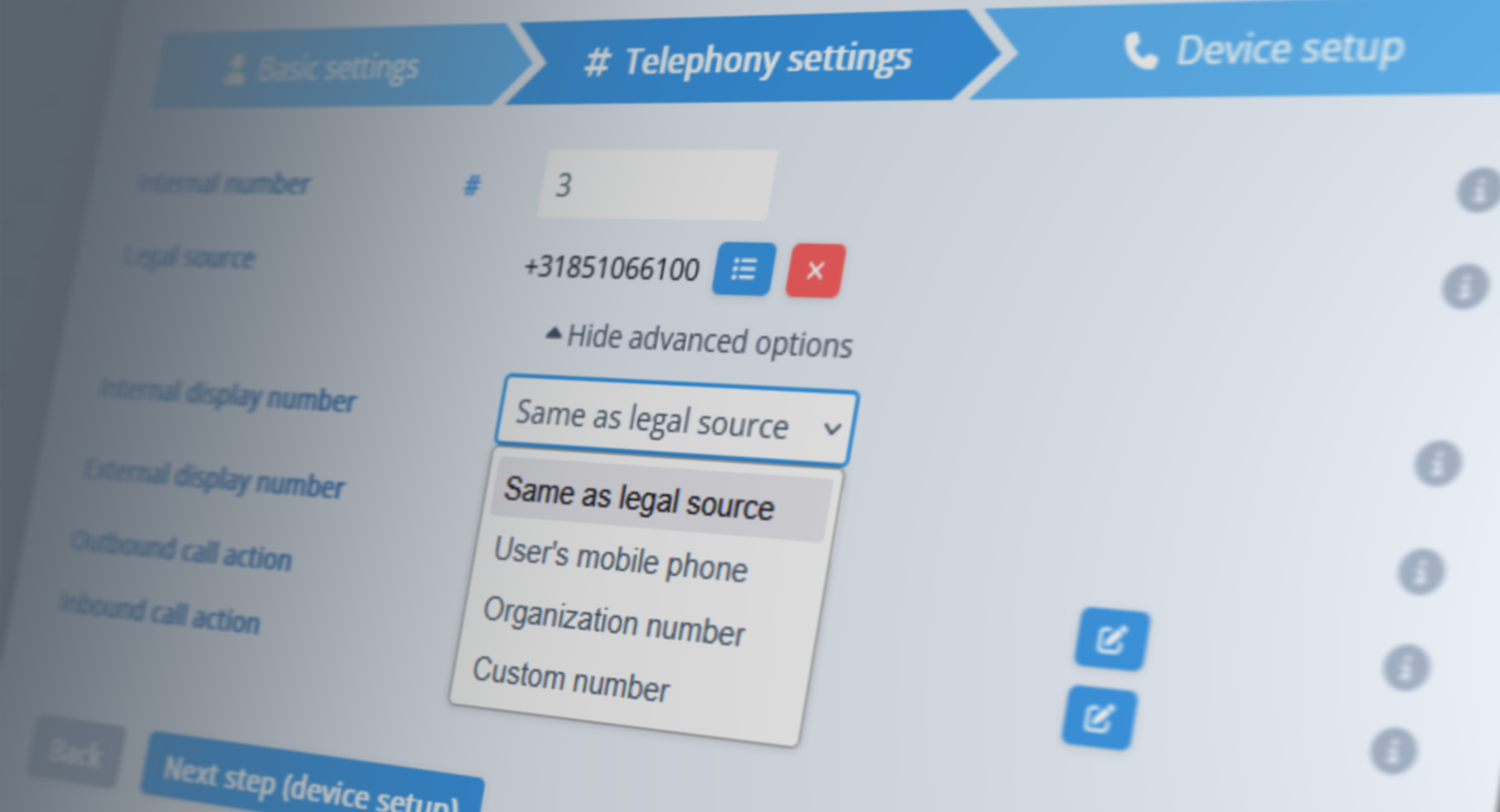
- Set Up Once – Define the behaviors your customer can move between and let them handle the when. Time zones are configured on the organization and per schedule, and the Check schedule V2 node hands the active profile straight to your flows.
- Switch When You're Ready – Existing schedules keep working exactly as they do today. Move one to V2 when it suits you — that's also what puts it in the app.